
Imagicle UCX Cloud Suite for Microsoft Teams supports Imagicle Call Analytics (any version) by documenting external PSTN calls and MS-Teams to local PBX calls passing through MS Direct Routing SBC(s).
Please note that MS-Teams to MS-Teams internal calls can't be currently documented.
Requirements
-
Please make sure that Imagicle UCX Cloud Suite has been already cloud authenticated, by following this procedure.
-
Please make sure that MS-Teams users have been provisioned from Entra ID, populating each First Extension Number or Extension Number Alias field with SIP UPN and/or phone number.
-
Some European countries provide call accounting data with partially hidden PSTN numbers, as per local privacy regulations. Check here for more details.
Procedure
Please open a web browser on a PC configured within your Corporate Microsoft domain and enter the following URL:
https://login.microsoftonline.com/organizations/v2.0/adminconsent?client_id=44f76365-12f8-4662-8f88-9584d583263a&state=state&redirect_uri=https://localhost&scope=https://graph.microsoft.com/.default
An authentication window pops-up, where you need to enter the credentials of a valid MS-Teams administrator account:
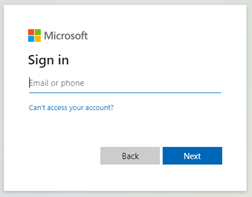
Once logged in, you are prompted to authorize Imagicle app, as per below screenshot sample:
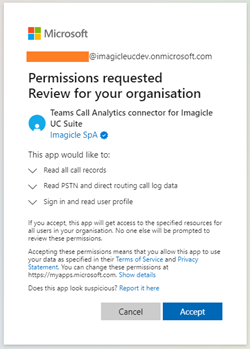
Click on "Accept". Your browser is redirected to a non-existing web page on localhost. This is normal. See below:
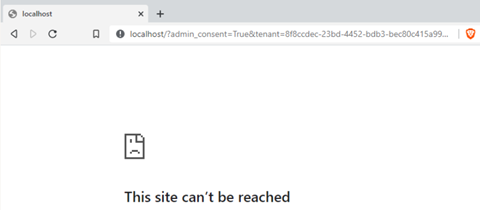
Copy above URL and save it for later usage.
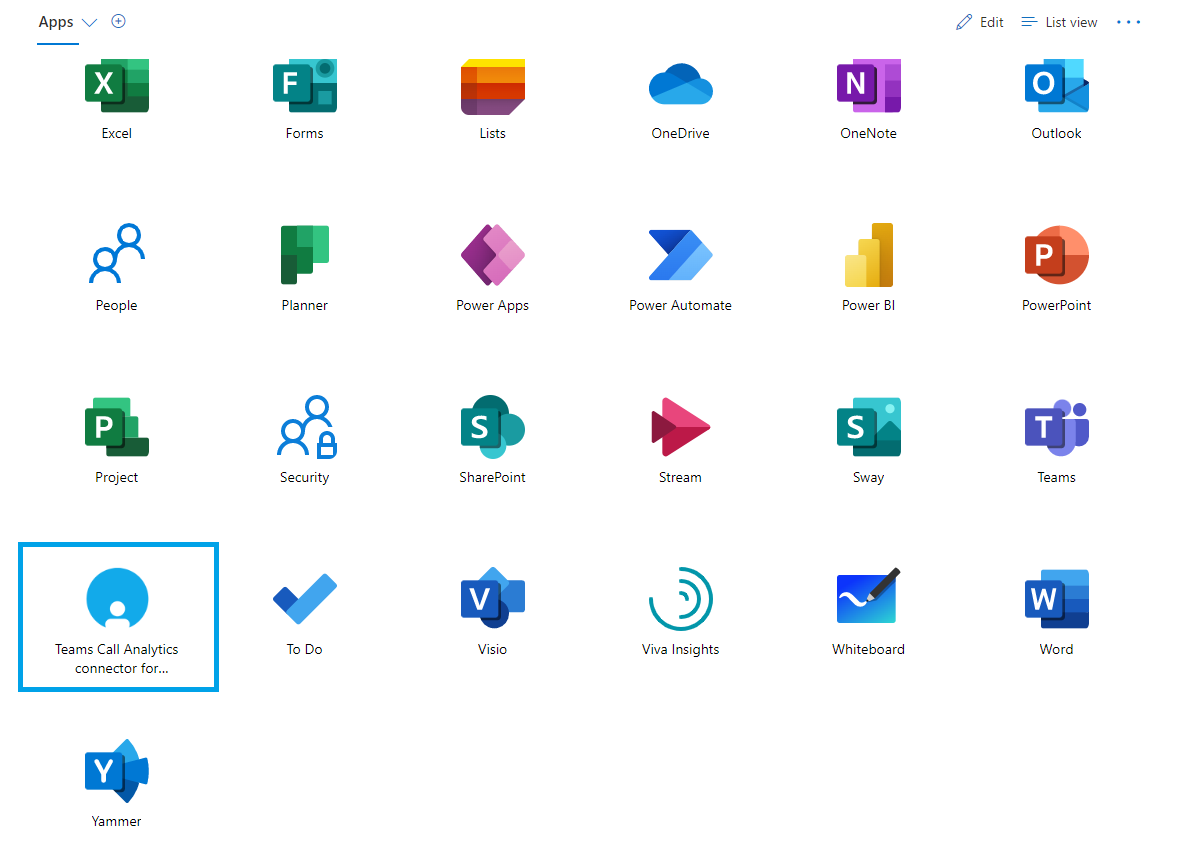
To double check proper connector enablement, you can connect to https://myapplications.microsoft.com/ with Tenant Admin credentials. The list of available applications should include Imagicle Call Analytics Connector, as per below sample:
Imagicle Cloud CDRs Enablement
Imagicle now needs to configure the CDRs connector in own Cloud and add Direct Routing or Op-Connected SBCs data into Imagicle UCX Cloud Suite instance.
For this purpose, please send to Imagicle Support team the following data:
-
Above "localhost" URL, including the MS-Teams Tenant ID.
-
Public FQDN of each Direct Routing or Op-Connect SBC in use for PSTN breakout.
-
If a local SBC is used to provide PSTN access to an additional, local PBX, then Imagicle Call Analytics can also document internal calls between local PBX and MS-Teams. For this purpose, Imagicle needs to know the numbering plan in use in the local PBX, to properly distinguish MS-Teams calls against local PBX calls.
Please allows up to 2-3 days to enable the CDR connector on Imagicle Cloud.