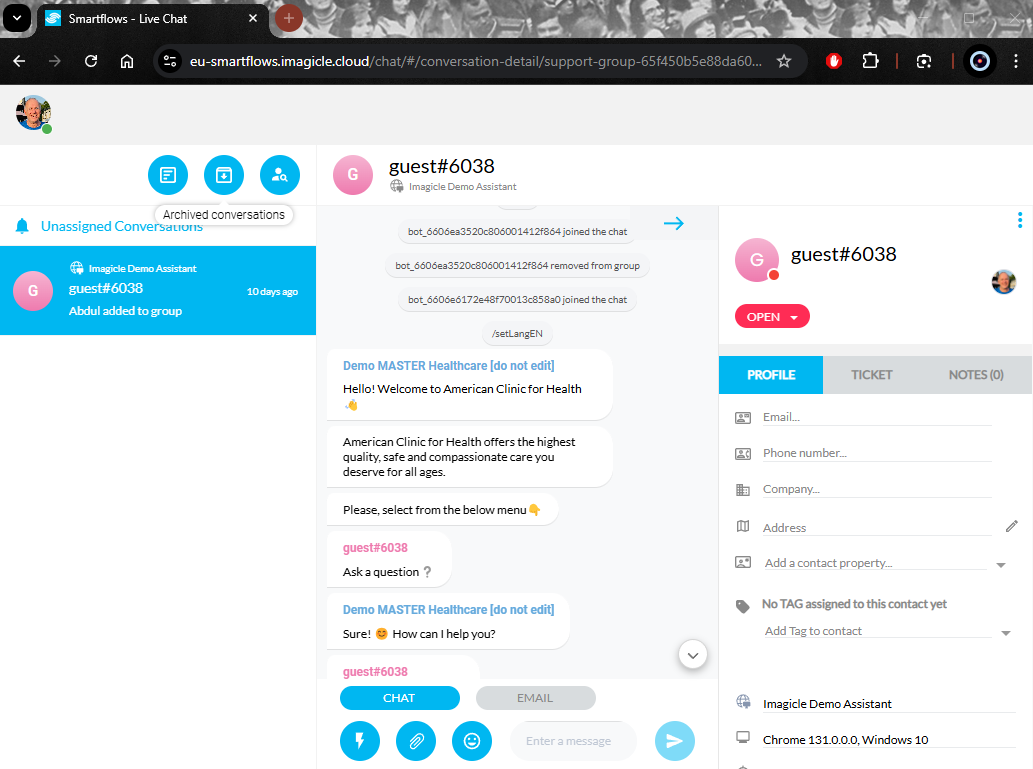
Imagicle Agent Chat Console is a web-based panel which allows AI Contact Center CORE agents to answer to inbound digital queries coming from a web site, email, SMS or Social Networks.
You can simply recall the Agent Chat Console web panel from any web browser, by accessing the following URL: https://apps.imagicle.cloud/agentchat-redirect
The access is available to enabled AI CC CORE agents (omnichannel add-on required), authenticating against UCX Platform with own credentials and MFA (where available). See below screenshot sample:
Agent Chat Console integration in a Webex Desktop Client
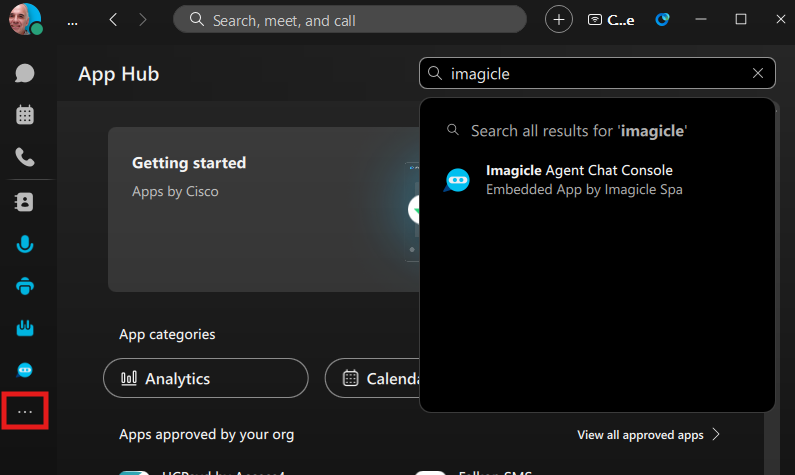
UCX Agent Chat Console web panel can be easily integrated into the Cisco Webex desktop client, by looking for “Imagicle Agent Chat Console” app into App Hub (Cisco marketplace).
From Webex left pane, you can access App Hub and search for “Imagicle”. See below:
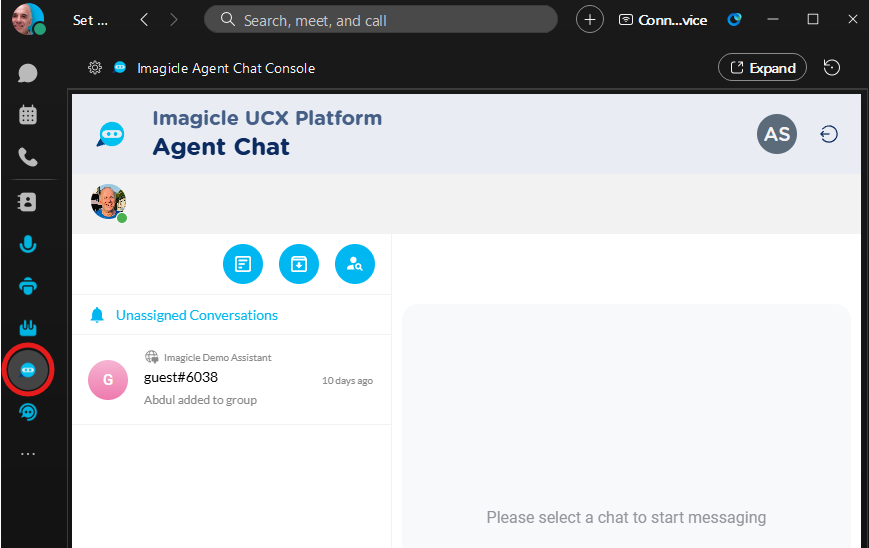
Once the app has been added, you can directly access it by hitting the relevant blue button:
Agent Chat Console integration in a Microsoft Teams Client
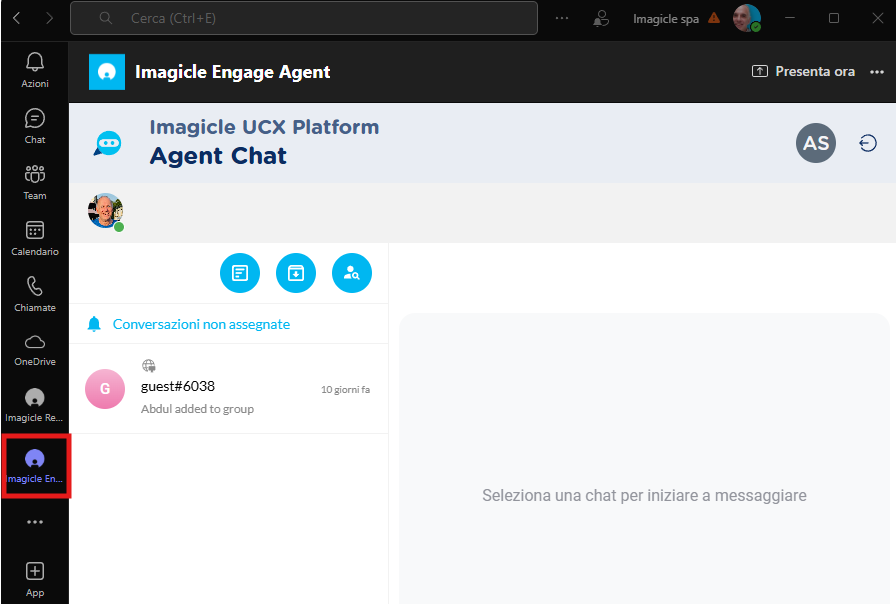
UCX Agent Chat Console web panel can be easily integrated into MS-Teams client, by adding a custom app into the client. See here how to do it. The Imagicle App to upload in the client can be downloaded from here.
Once the app has been installed, you can directly access it by hitting the relevant grey button: