
Imagicle Voice Analytics Admin Guide
The access to Imagicle Voice Analytics is available within Imagicle UCX Platform web portal by selecting relevant option, as highlighted in below screenshot. By leveraging their standard login credentials, with or without SSO, each user accesses the UCX Platform web portal with own, specific permission level.
Username is always the email address. If your company is leveraging Single Sign-On authentication, then your login is redirected to your Identity Provider for multi-factor authentication, where applies.
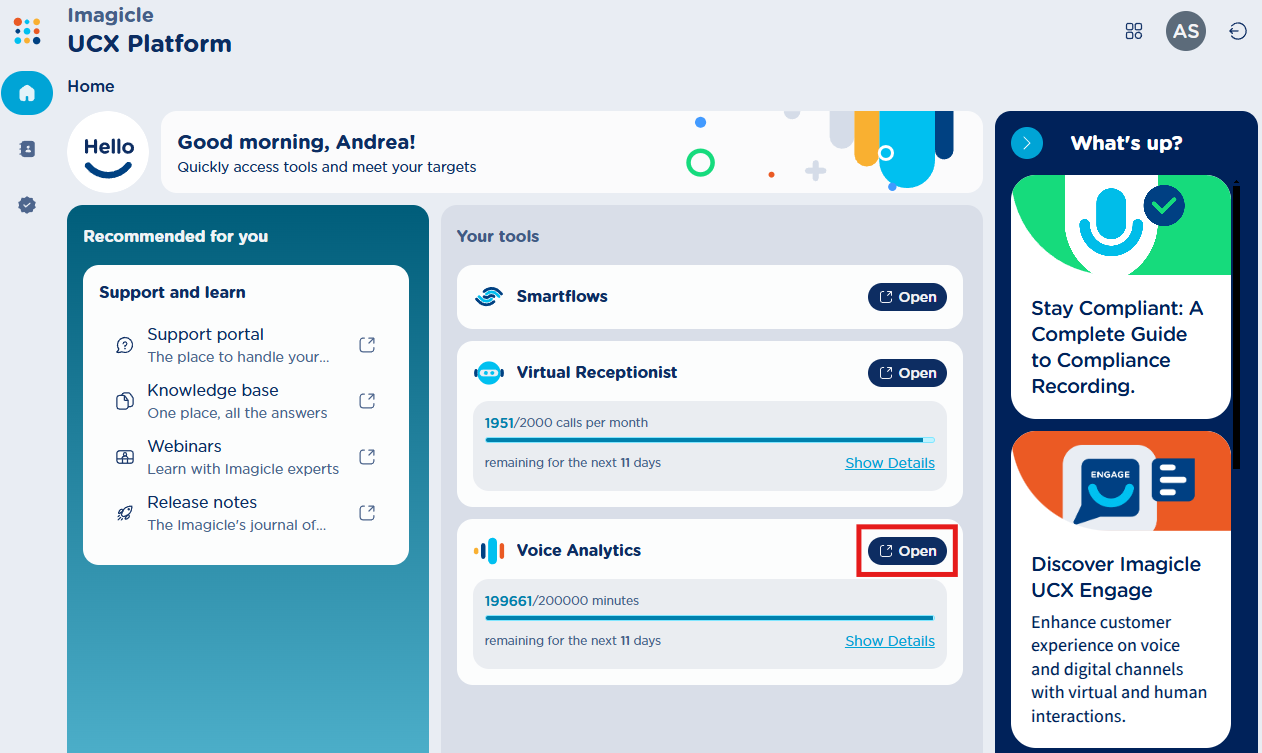

Based on your job function, you can have access to Voice Analytics interface as Administrator or standard User. Administrator can provision new users and view/transcribe all recordings, while a standard user can view/transcribe own recordings only.
Voice Analytics menu options
On left-side bar, five options are available:
→ to access recordings dashboard (default landing page)
→ to access recorded conversations list
 → Manage Alarms
→ User Groups management
→ to access Call Recording settings

On top-right corner, you can find two icons:
→ Switch to UCX Platform or another licensed application
 -> Logged in user’s picture or initials
→ Logout to UCX Platform