
Next left-menu item is Groups Management
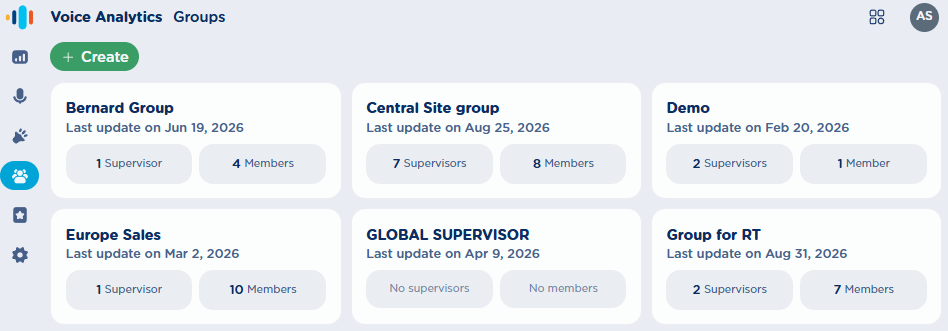
From this page, an Administrator can create, review, or delete users’ Groups.
Create a new Group
By clicking on green “+ Create” button or by editing an existing one, the following pop-up windows appears. See below samples:
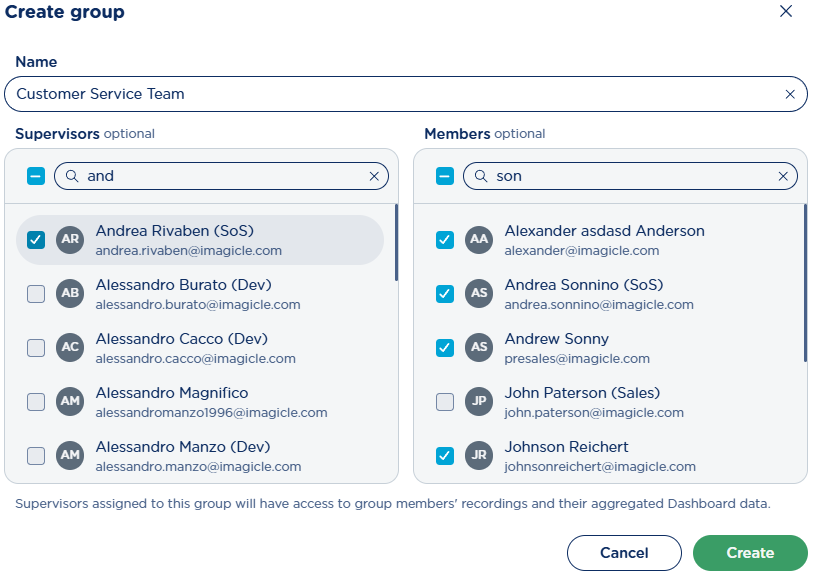
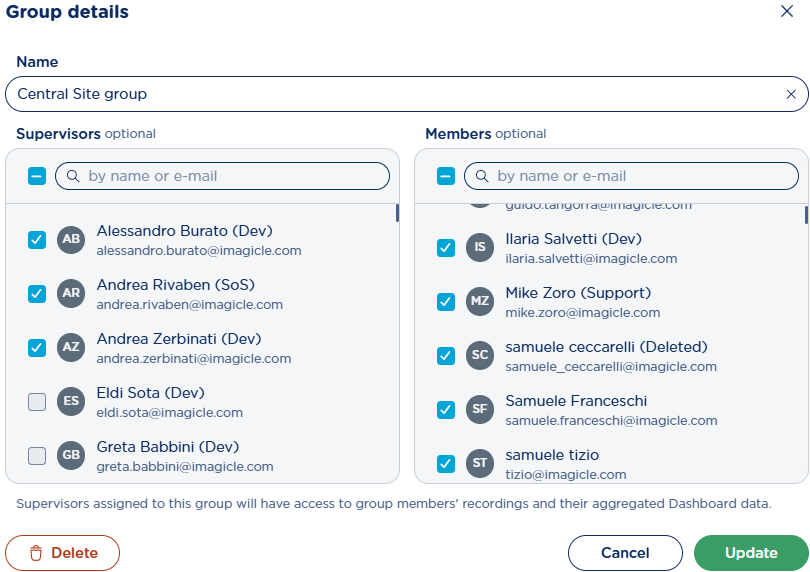
Please enter a Group Name (mandatory), and select the supervisors for this group, out of existing UCX Platform users. Then you can add one or more group members, again selected from existing UCX Platform users. Eventually hit “Create” or “Update” to save the Group.