UCX Suite from 2018.6.1
If you want to hide or disable icons form the top frame and home dashboard please follow these steps:
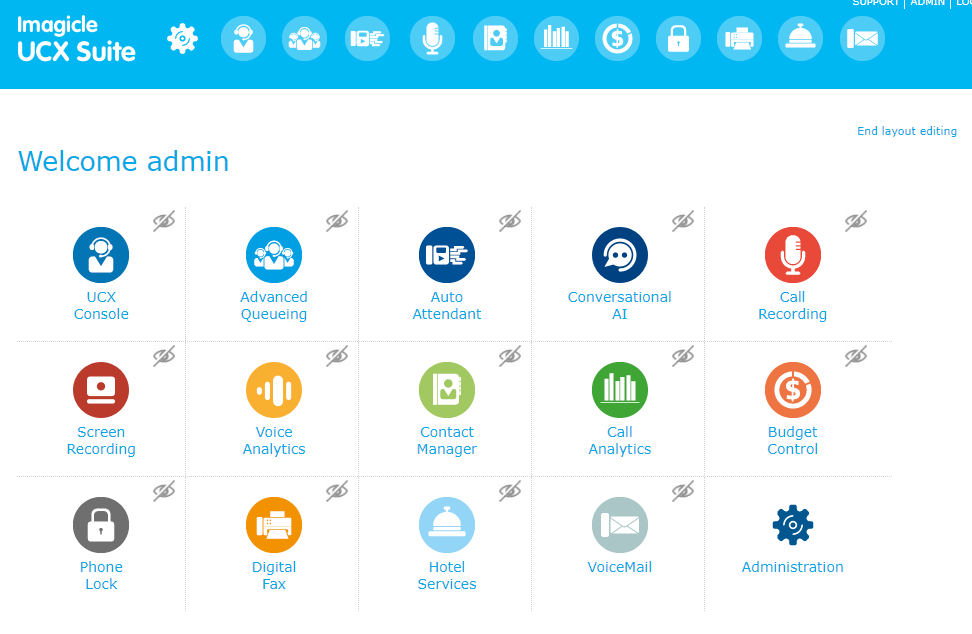
Global setting, for all users:
-
Open Imagicle UCX Suite web interface like Administrator
-
Click on "Edit Layout" in the Home page
User based setting
-
Open Imagicle Application Suite web interface
-
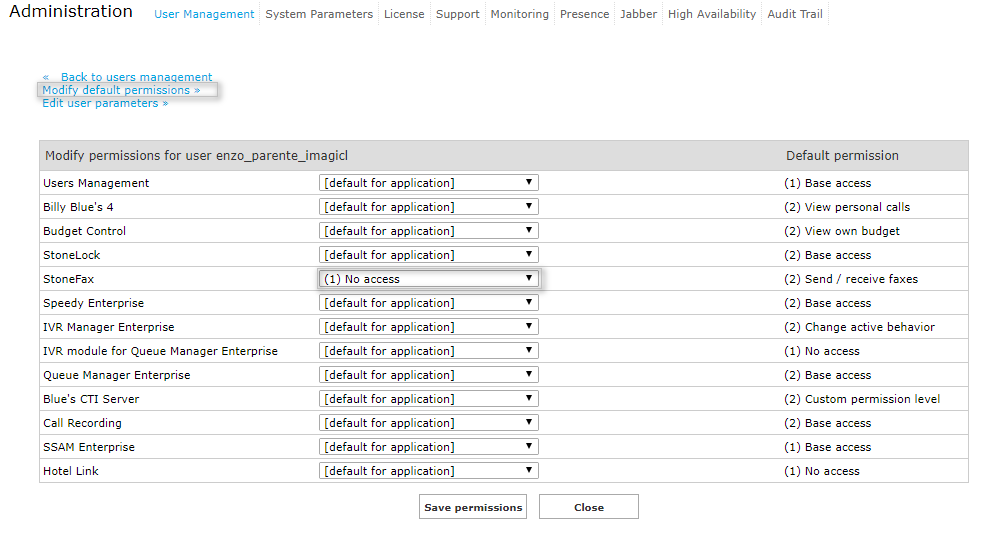
Edit User Permission for single user (example "No Access" for Stonefax application)
-
Modify default permission
-
Select Hide or Disable option when "No access" is selected and save