
Please access to Imagicle UCX Suite via RDP session and follow below procedure:
-
Launch the Configuration Wizard from Start menu:
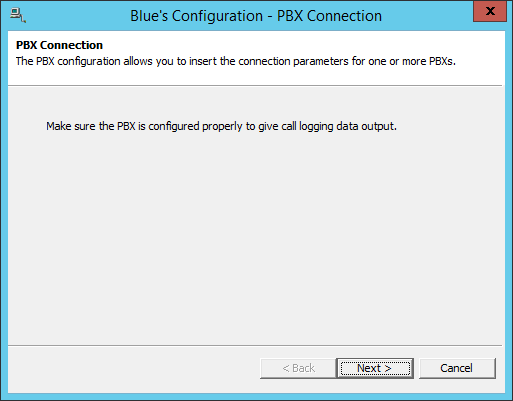
-
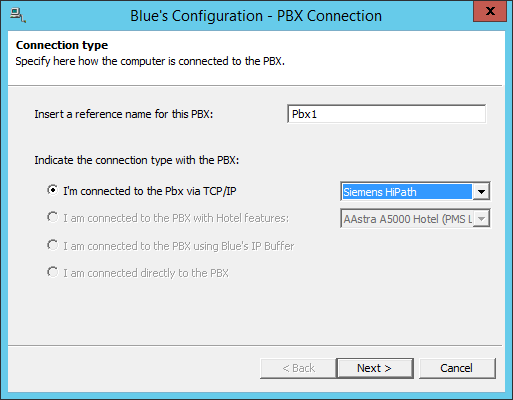
Enter a name for the first PBX and select the connection according to the Brand and Model of the PBX.
-
Enter the required parameters for the connection to acquire the CDRs.
-
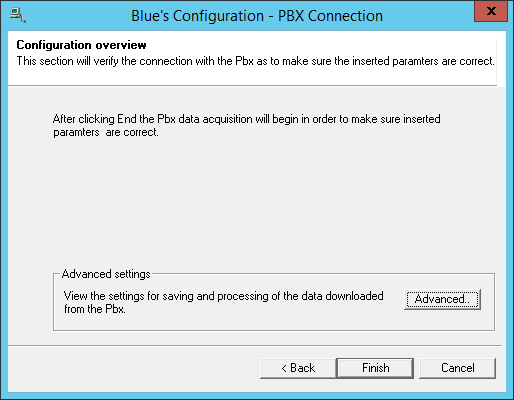
Click on [ Finish ] to end the configuration.
-
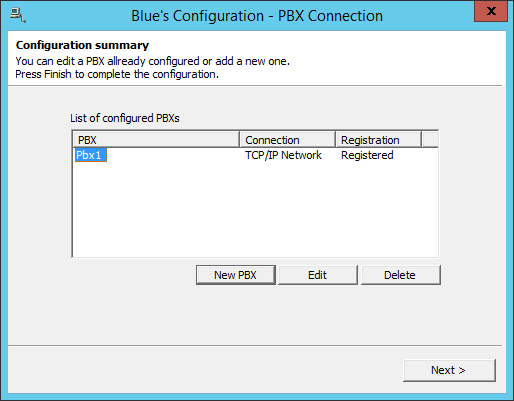
Click [ New PBX ] to configure a new connection to another PBX or [ Next > ] to continue the configuration.
-
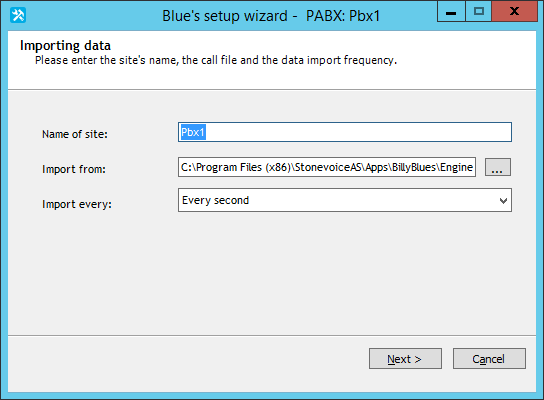
Configure the new SITE.
-
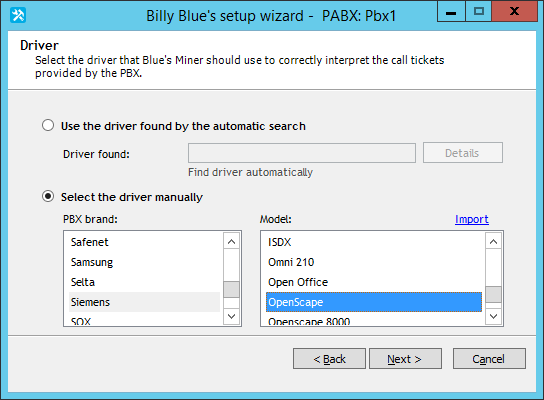
Select the driver of your PBX Model.
-
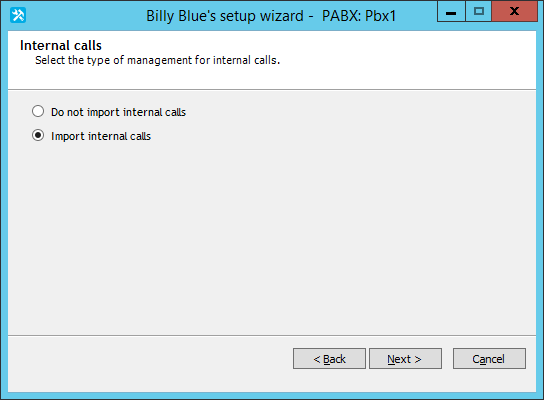
Choose the relevant option if you want to import the internal call or not.
-
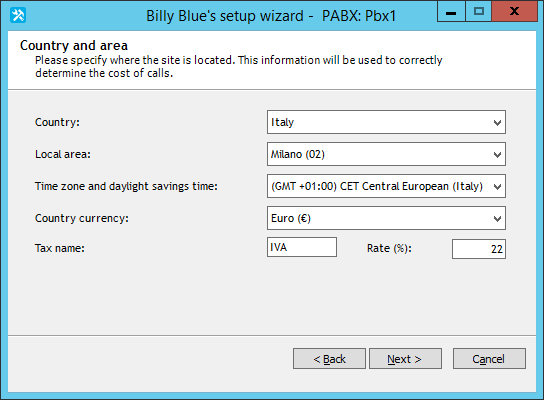
Select the Country and Local Area of the Site.
-
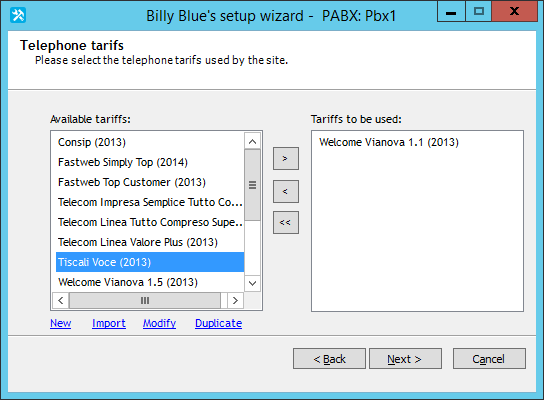
Select a Tariff.
-
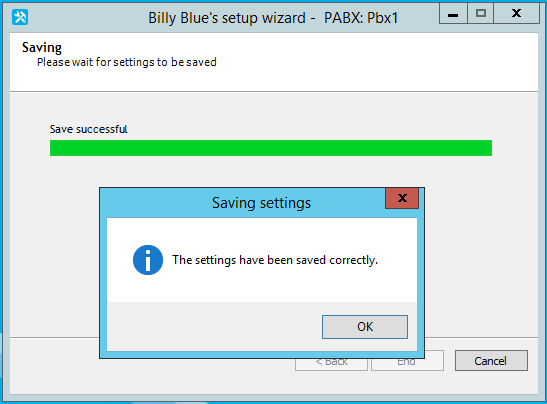
Click [ Next > ] until you reach the end of the configuration.
-
The first SITE is configured. If you have more than one site you can configure here or Click [ Next > ] to finish the configuration.