Imagicle UCX Cloud Suite includes a monitoring services which can send alerts to the system administrator(s) when an event occurs. Examples of monitored events are:
-
License issues
-
License overcome (e.g. calls dropped in Advanced Queuing due to not enough licensed channels)
-
Authorization issues related to Webex Calling MT tokens
The monitoring service includes auditing features.
Monitoring web page
The monitoring service (MAM) is embedded in the Imagicle UCX Cloud Suite and you can access it from web portal: admin ⇒ Monitoring.
Alarms tab
This web page shows a high level overview of Imagicle UCX Cloud Suite diagnostics, where the administrator can check Call Recording Digital Certificate and External Storage status, Webex Calling integrations authorization issues. See a screenshot sample below:
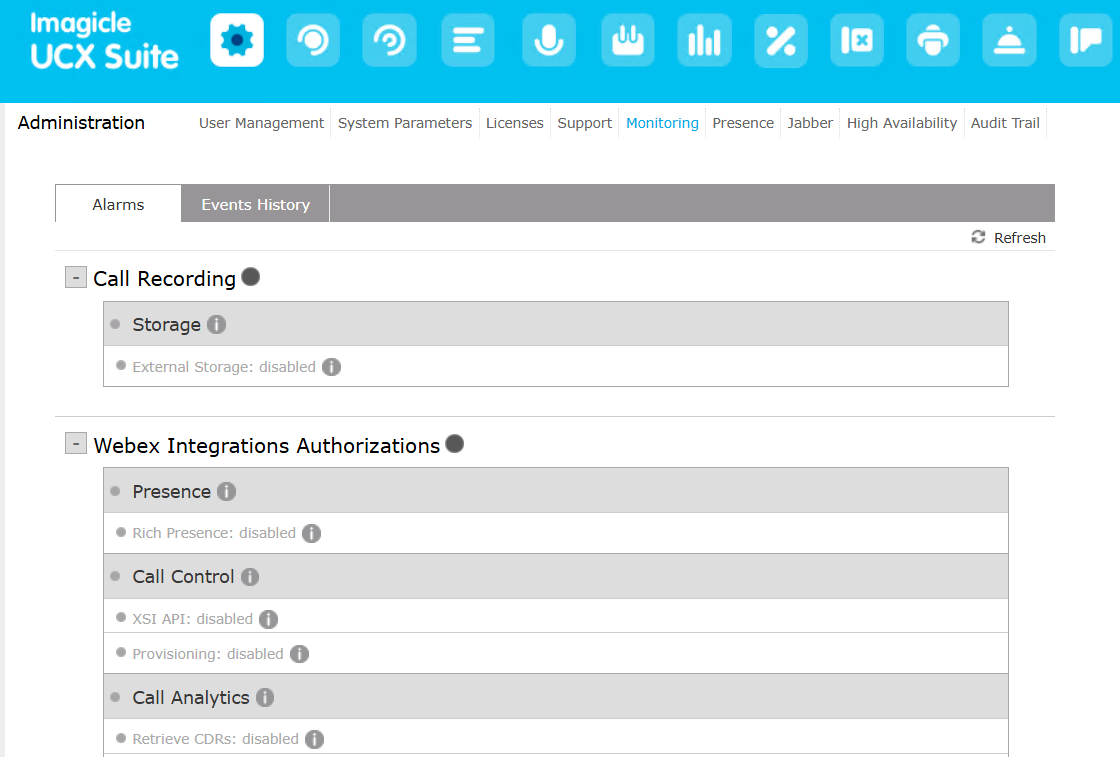
To read the details of the current status, move your mouse over the grey "info" dot.
Events History
The list of events raised by the monitoring service and other Imagicle service can be examined through Events History web page. The controls on the top of the list allows you to filter the displayed events by date, by event type, by application and by category. Each event has an unique ID. See below screenshot sample:
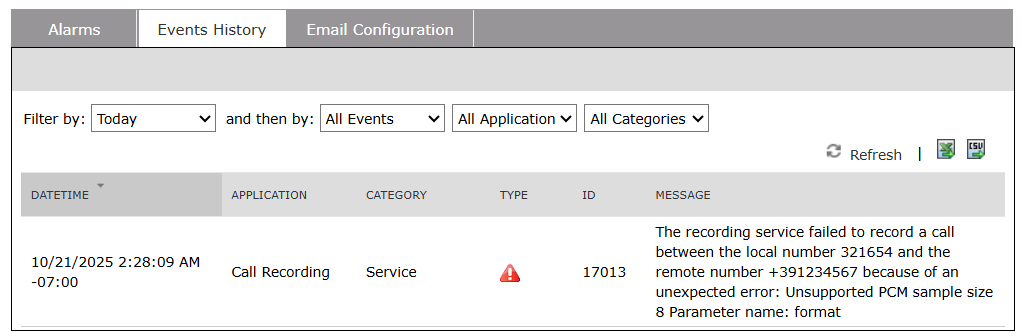
Above events can also be browsed through the standard Windows Event Viewer.
The filtered list is dynamic. If an application, event type or category is not available in the list, this means that no event with that property has been raised yet.
The list of events can be downloaded in CSV or XLS formats by clicking on relevant icons in the upper right corner of the list.
The monitoring service stores logged events for 30 days (default retention).
Email Configuration
Here you can set the list of email recipients of MAM Application events. Recipients addresses must be valid email addresses separated by comma.
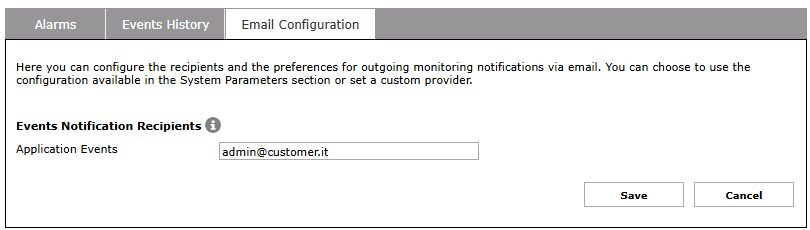
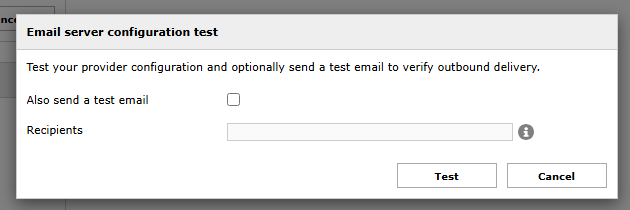
A “Test” button is available. If you hit it, a new window is popped-up where you can add one or more comma-separated email recipients and send a test email to all of them.