
AI Voice CORE web client access
Imagicle UCX Agent CORE lightweight client is a web application hosted in the Imagicle UCX on-prem/Cloud Suite, reachable through the following web URL: https://{UCX_SUITE_FQDN}/gadgets/contactcenter
If UCX Suite is hosted in Imagicle Cloud, then above URL is already reachable from Internet. In case of UCX on-prem Suite, if you want the URL to be reachable offnet, please expose https port 443 to Internet for this purpose.
UCX Agent CORE web login
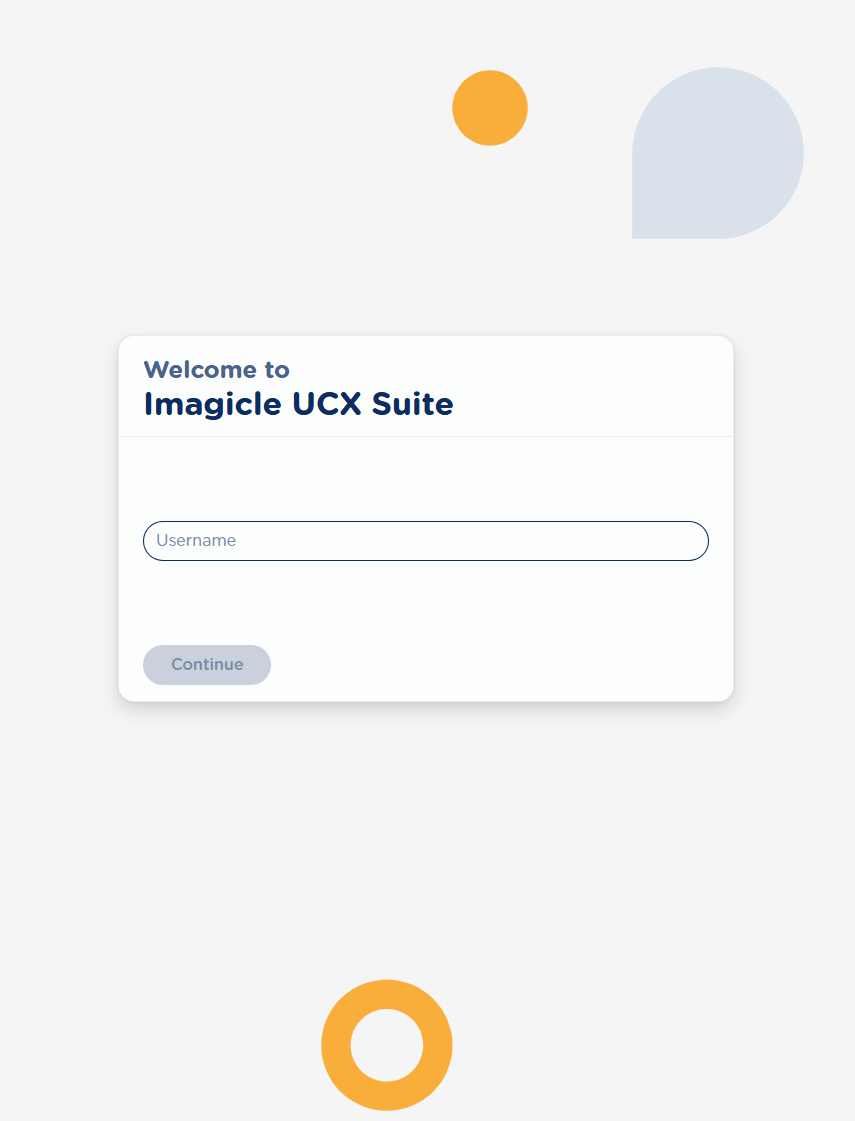
When first browsing web client URL, the application requires to login with agent’s credentials. As for all Imagicle apps, login supports SSO with MFA (if enabled):
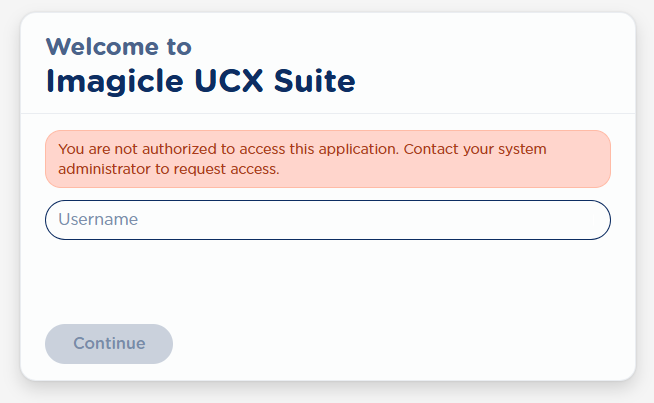
Login is allowed to agents associated to at least an Imagicle queue. If it’s not the case, the following messages is displayed:
Phone devices association
Imagicle UCX Agent CORE web client does not include softphone functionalities nor CTI control and therefore all telephony-related actions like answer/hangup, transfer, hold/resume calls must be executed on desktop phone or softphone associated to the agent and registered to the Calling Platform.
We strongly suggest to leverage phone devices which are monitored via CTI, so our web application can receive from UCX Suite the following real-time data:
-
Call status, as the call progresses (e.g. ringing, connected, completed).
-
The exact moment the operator answers or hangs up the call is detected.
-
While the call is connected, a live conversation timer is displayed.
-
When the call ends, the call is shown in Completed status along with its total duration.
If the agent is using a phone not monitored via CTI:
-
The web client can only detect whether the operator has answered the call or not.
-
Once answered, the call is shown in Answered status, but no duration information is available.
-
The web client can't detect when the call ends.
-
The call remains in Answered status until either:
-
a new call is delivered to the agent, or
-
the agent manually hits the Dismiss button.
-
Compatible devices
Available phone devices to be used with Imagicle AI Voice CORE web client are:
-
Avaya IP/SIP phones
-
Cisco Desk IP Phones
-
Cisco IP Communicator
-
Cisco Jabber Desktop clients
-
Cisco Webex Desktop clients
-
MS-Teams Desktop clients.
Embeds AI Voice CORE web client in Agent’s softphone
Being a web-based application, Imagicle AI Voice CORE panel can be embedded in most soft-client applications as a custom tab, avoiding to keep the browser running on agent’s workspace.
Imagicle provides guidance for integration AI Voice CORE web client into the following softphone applications:
UCX Agent Chat web panel
If AI CC CORE Omnichannel add-on license is in place, you are entitled to access the additional Agent Chat web panel to manage inbound chat queries. Please consult this KB article for further details.