
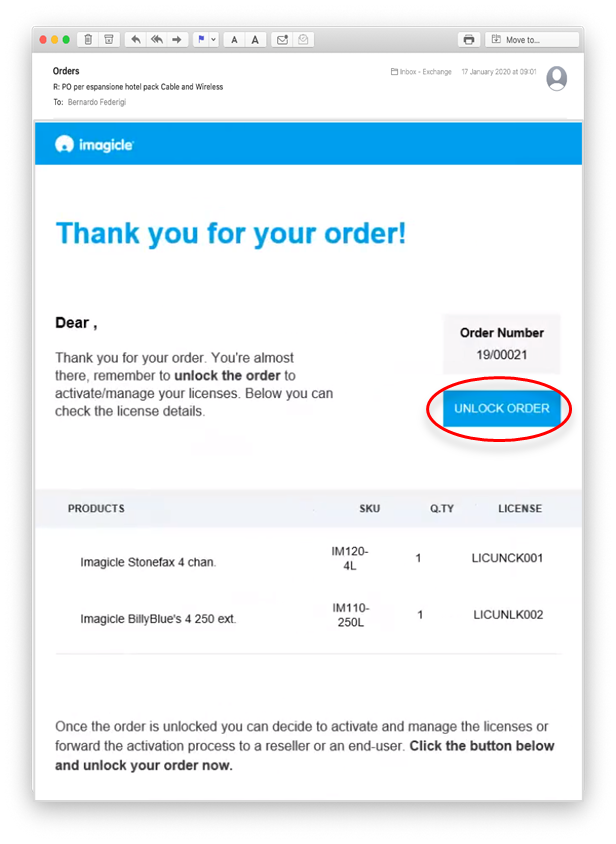
Once UCX Suite licenses are ordered to Imagicle, the customer or partner receives an email with the list of purchased licenses and a button to UNLOCK them. See below email sample:
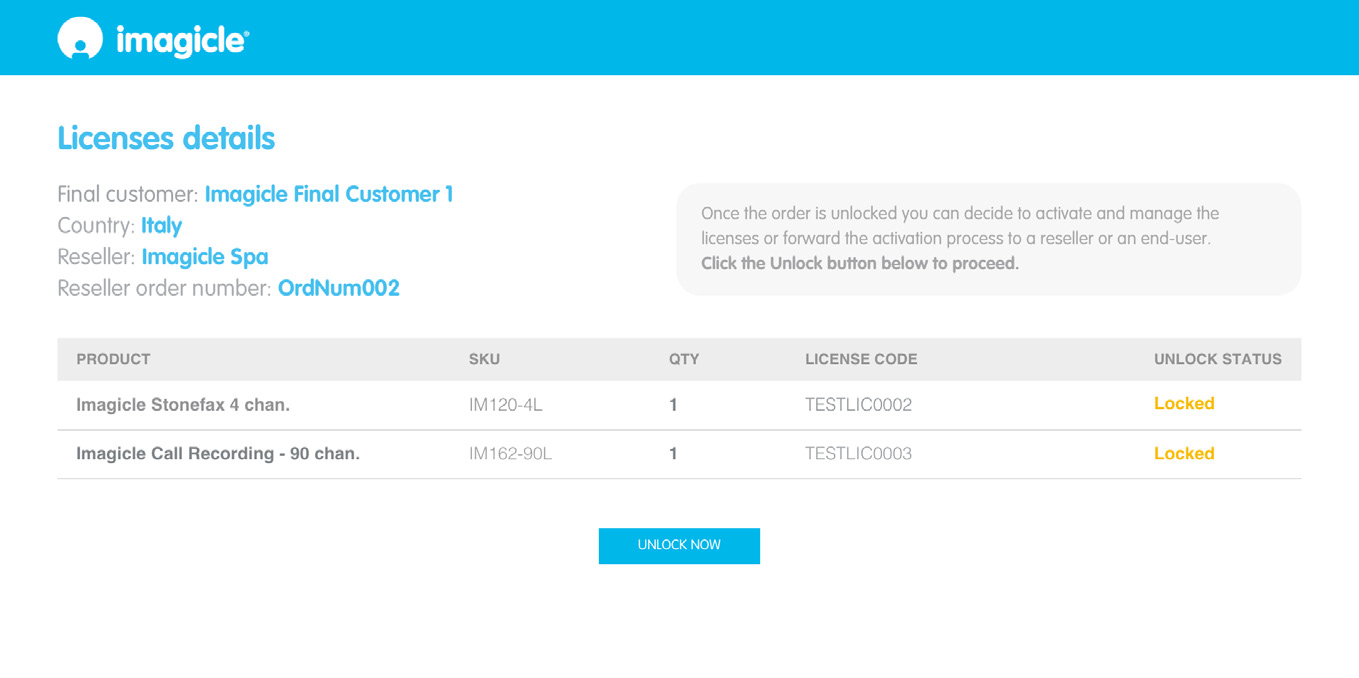
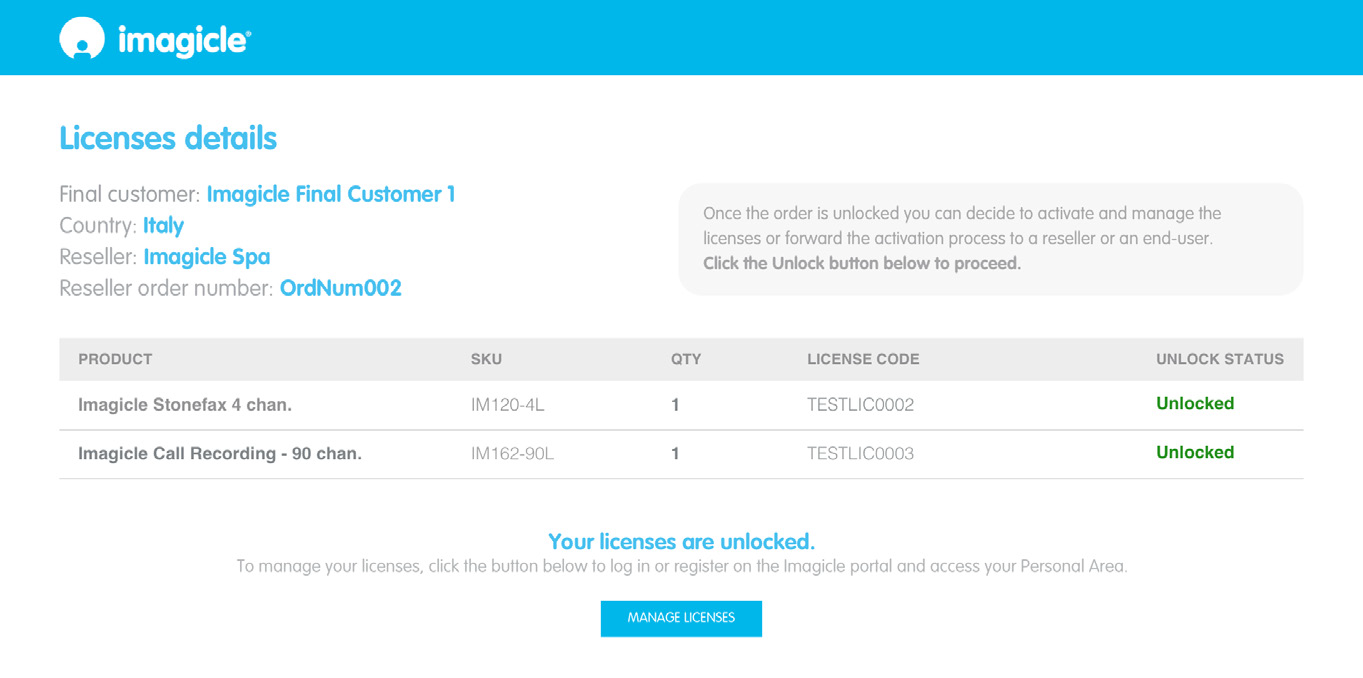
When the Unlock button is hit, a web page is opened where you can unlock the licenses and eventually manage them through the Imagicle Cloud Licensing Portal:
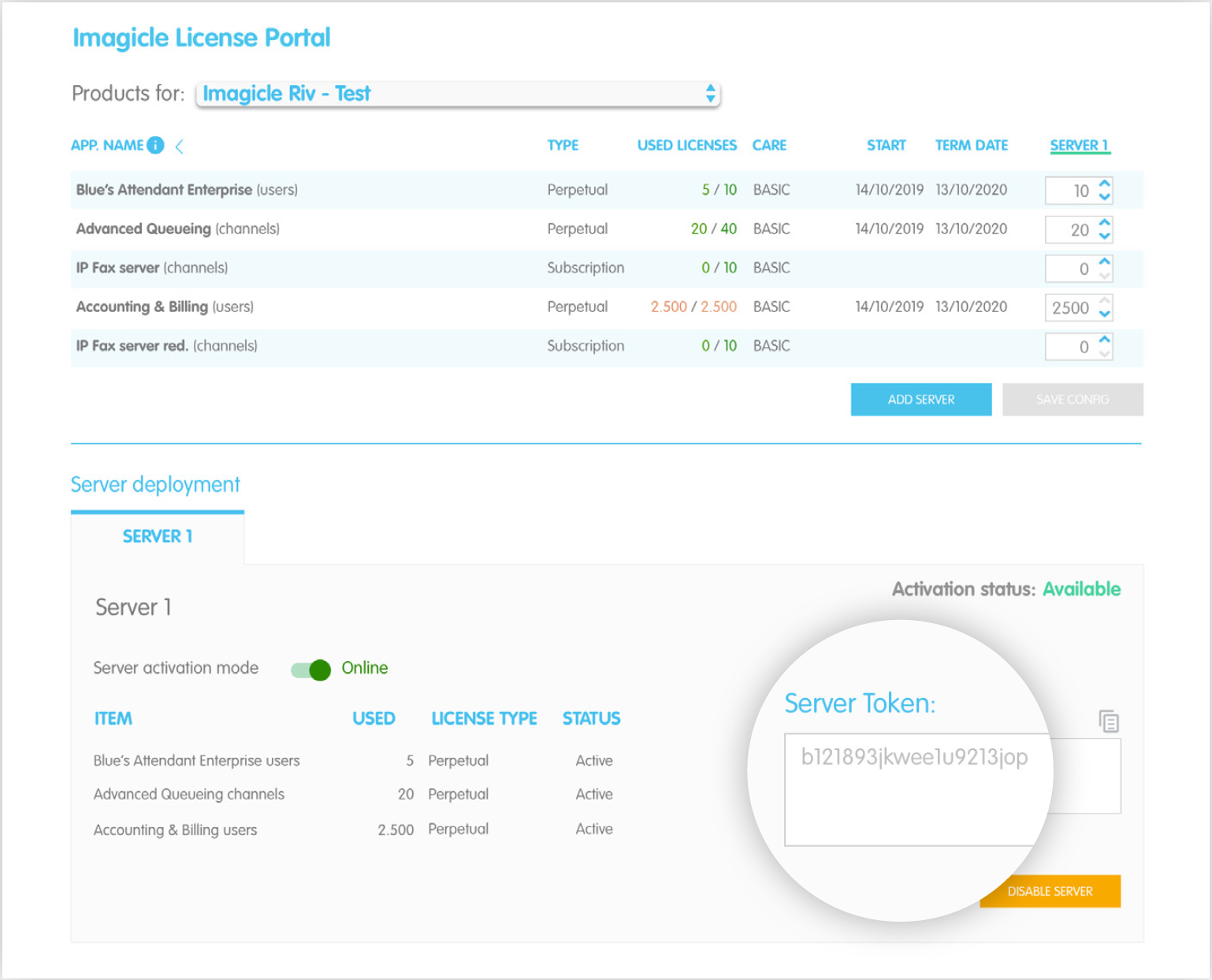
From this page, the customer or partner can:
-
Add/remove UCX Suite nodes
-
Split the purchased licenses among them
-
Retrieve the Activation Token to be copied and pasted in Imagicle UCX Suite Licenses page, to trigger the subscription
-
Monitor the subscriptions' expiration
-
Activate/deactivate the Proactive Support (Gold/Platinum ImagicleCARE) and add contacts details
Limitations
-
You can have perpetual and subscription licenses within the same UCX Suite node, but you can’t assign a mix of them: all subscription or all perpetual.
-
You can’t mix trial and standard subscription licenses for the same application. If you need to enable a trial period, you need to unassign any existing standard license and take note of trial expiration, to eventually restore the standard purchased license.
Imagicle Cloud Licensing Portal is directly accessible to customers and partners through this web link. If you do not have the access to Imagicle Partner portal, please apply for a free registration from the same web link.